


















Product description
Parking Surveillance Re-Imagined
The video showcases the product in use.The video guides you through product setup.The video compares multiple products.The video shows the product being unpacked. aplus content video
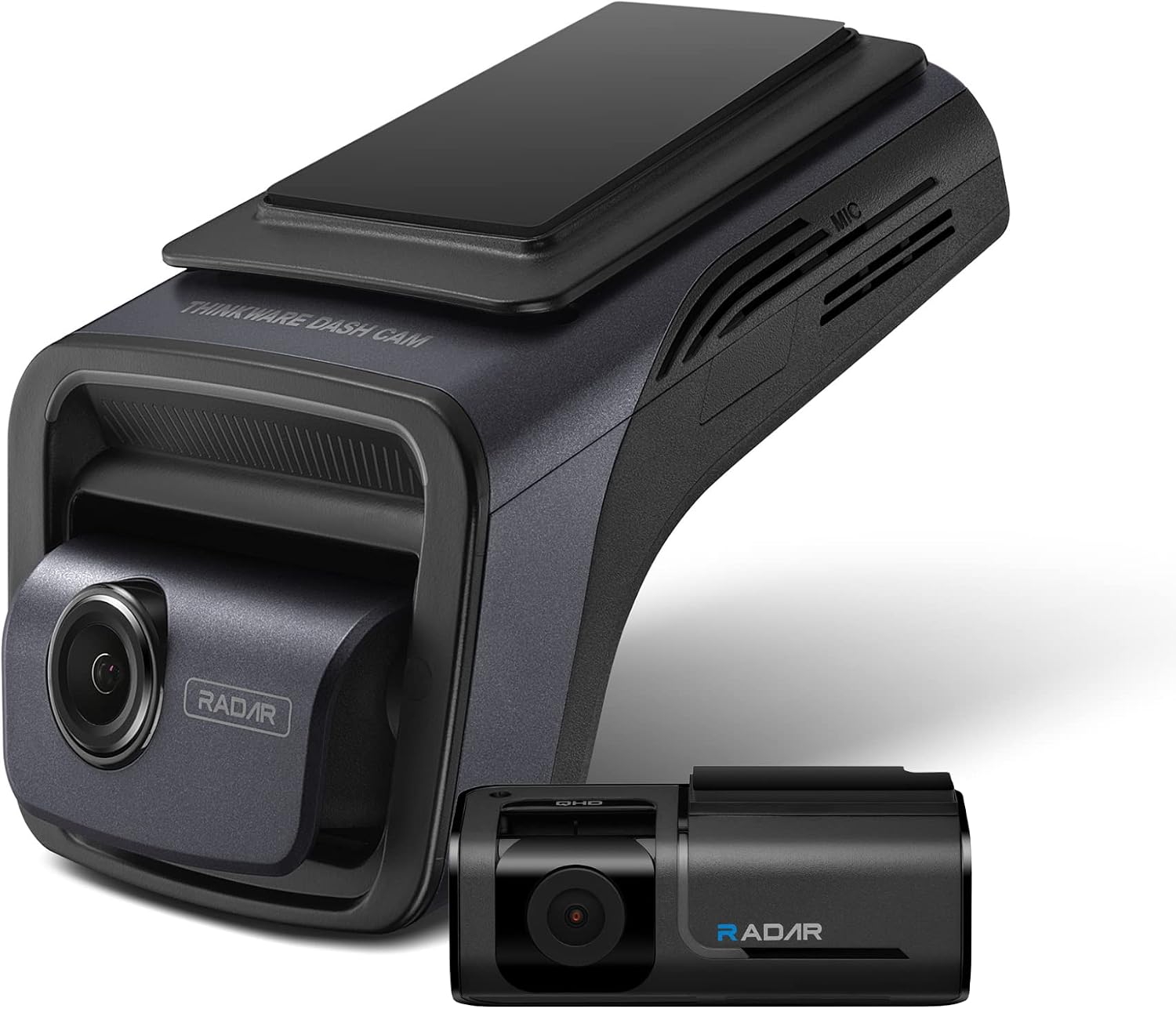
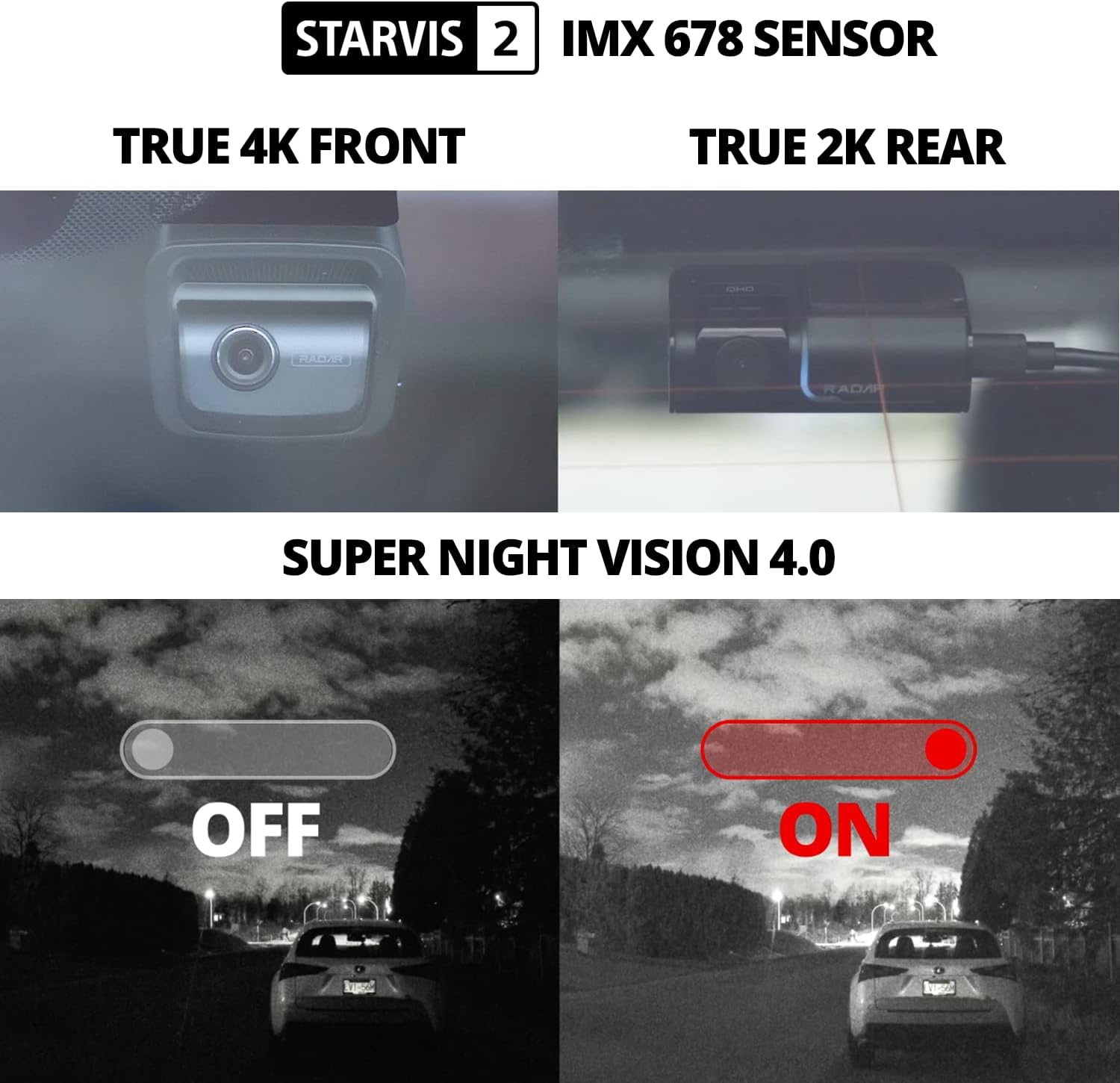
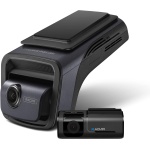
Equipped with an 8MP Sony STARVIS 2 IMX 678 sensor, a wide 158º field of view, and a high-performance Ambarella CPU, the U3000 ensures remarkable recording quality.
The rear camera, featuring a 5MP Sony STARVIS IMX 335 sensor, captures a generous 128º in 2K QHD at 30fps.


1 4K UHD
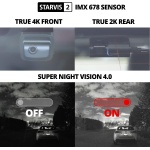
2 Super Night Vision 4.0
3 Enhanced Video Quality


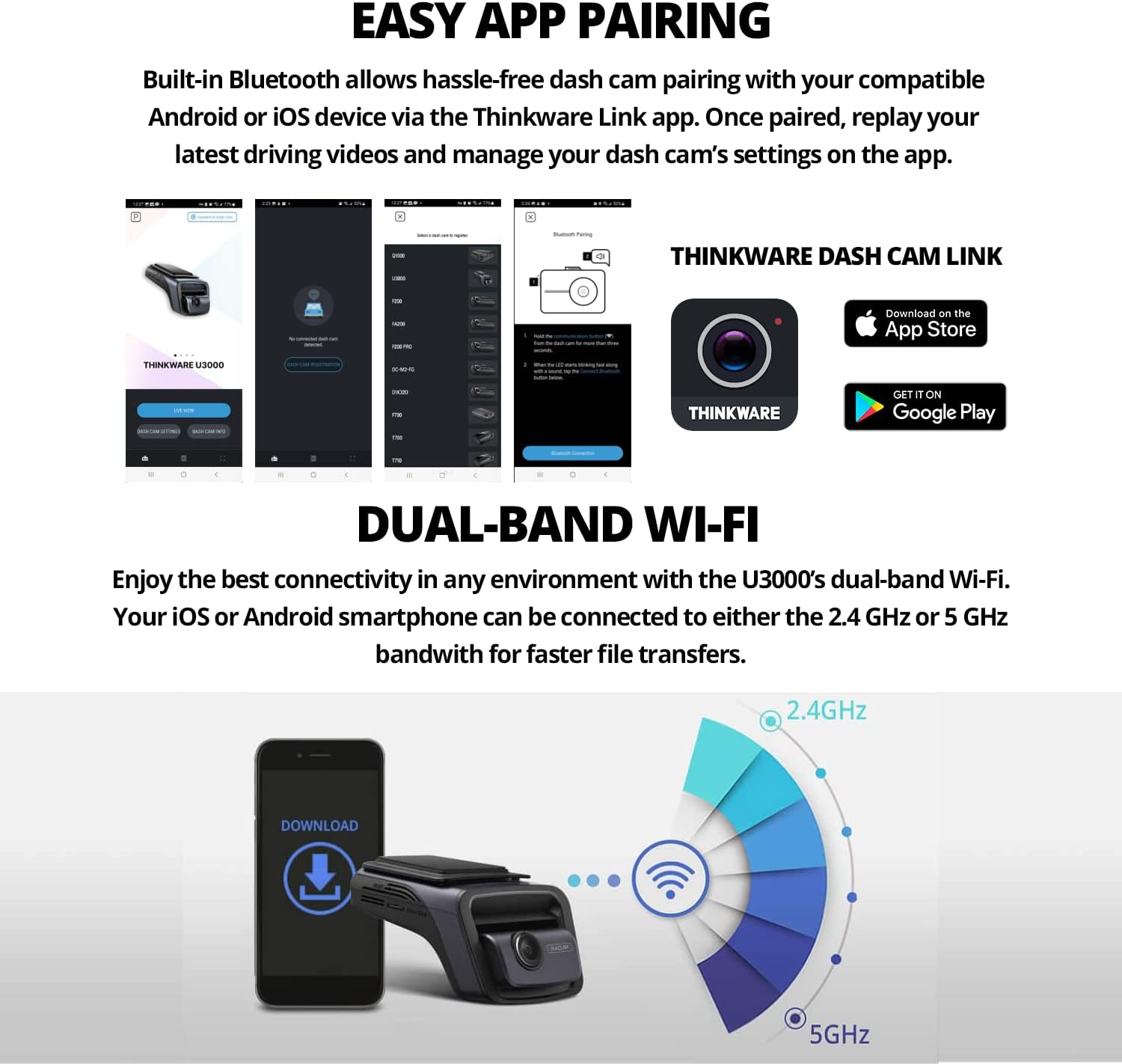
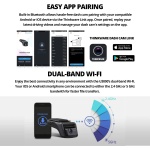
1 Easy Wi-Fi Pairing
2 Dual Band Wi-Fi
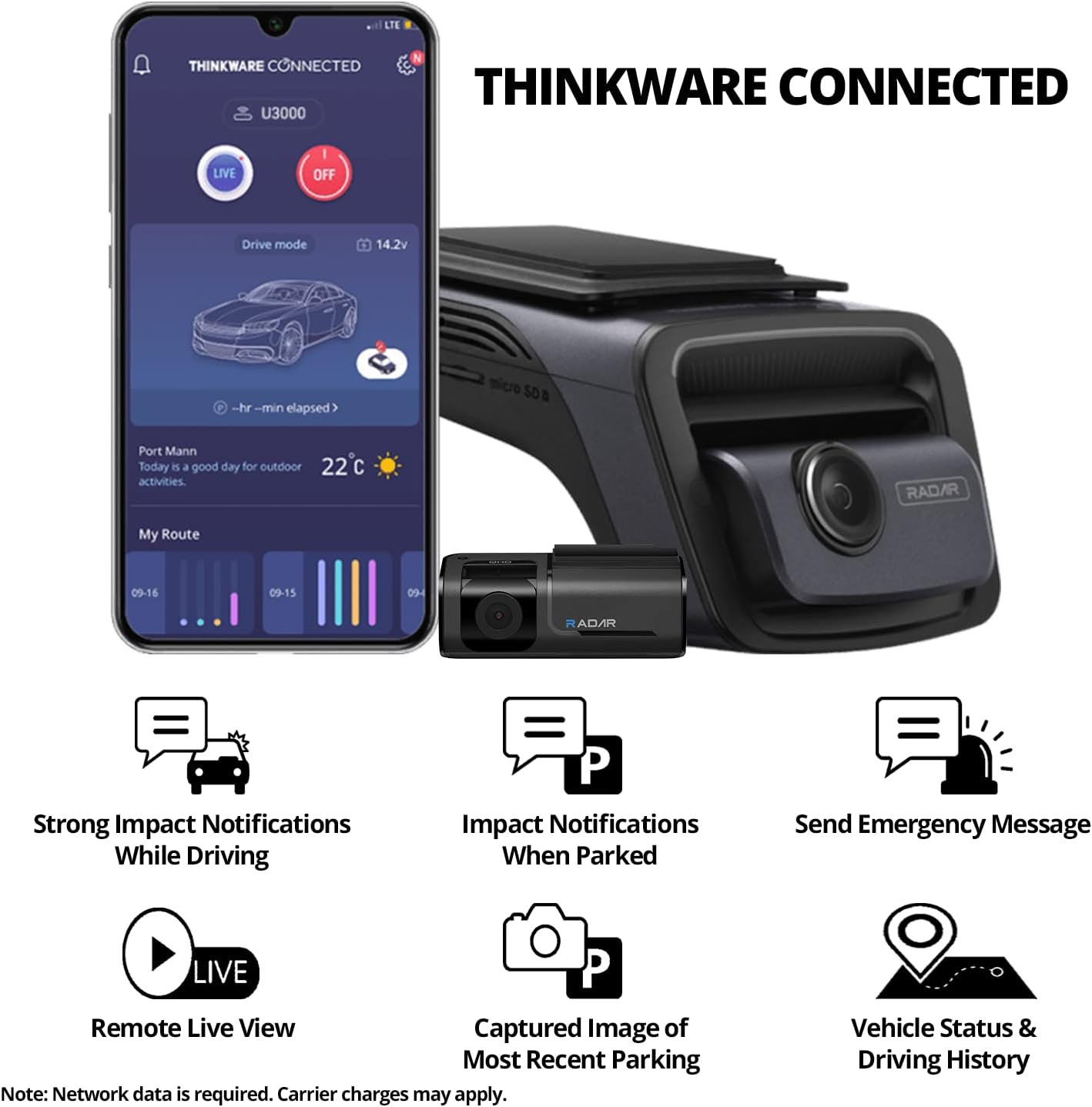
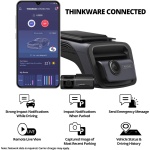
3 THINKWARE CONNECTED


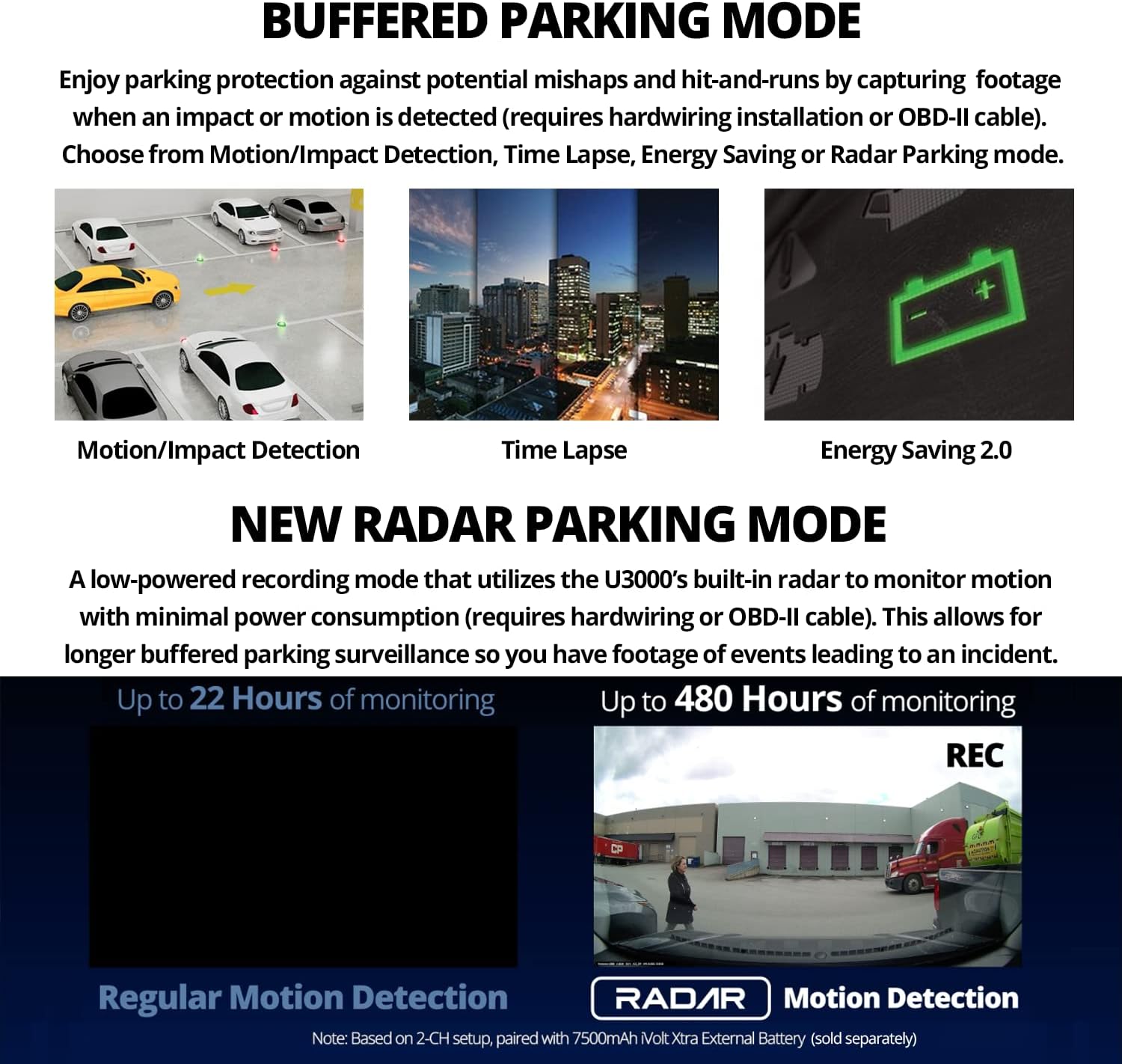
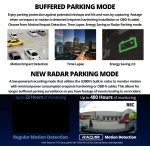
1 Parking Surveillance Mode
2 Radar Parking Mode
3 Smart Parking Mode
4 Parking Modes
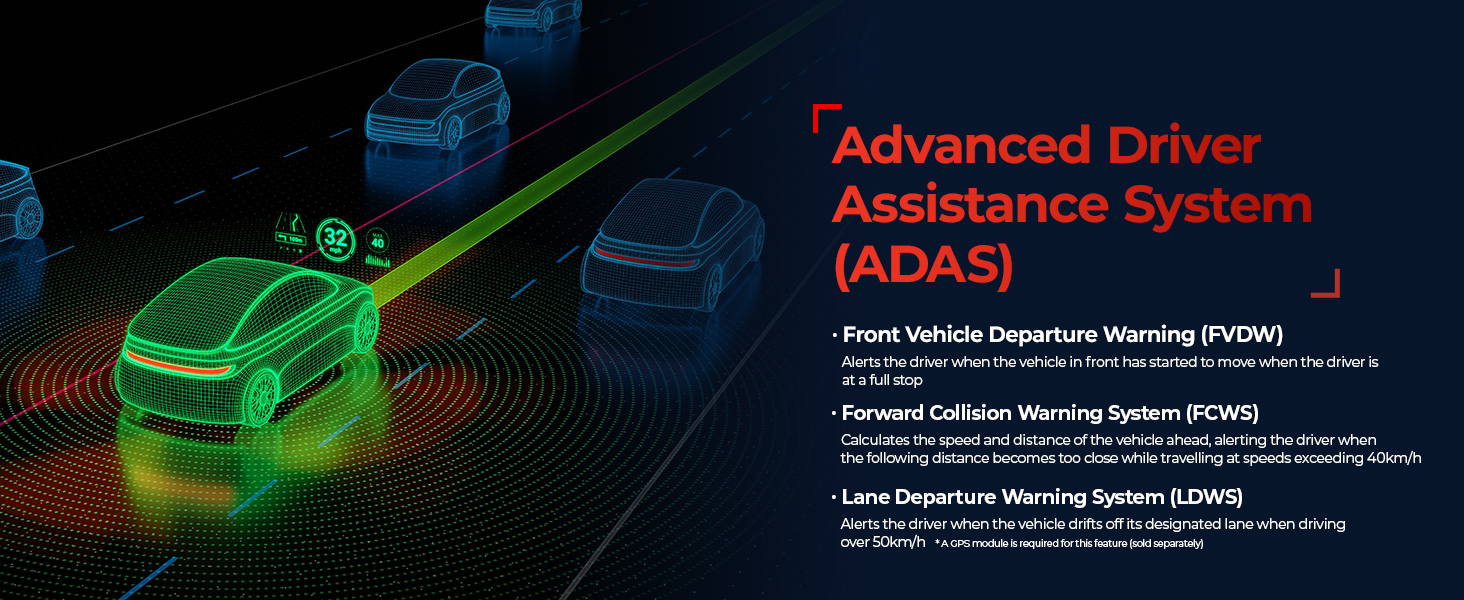


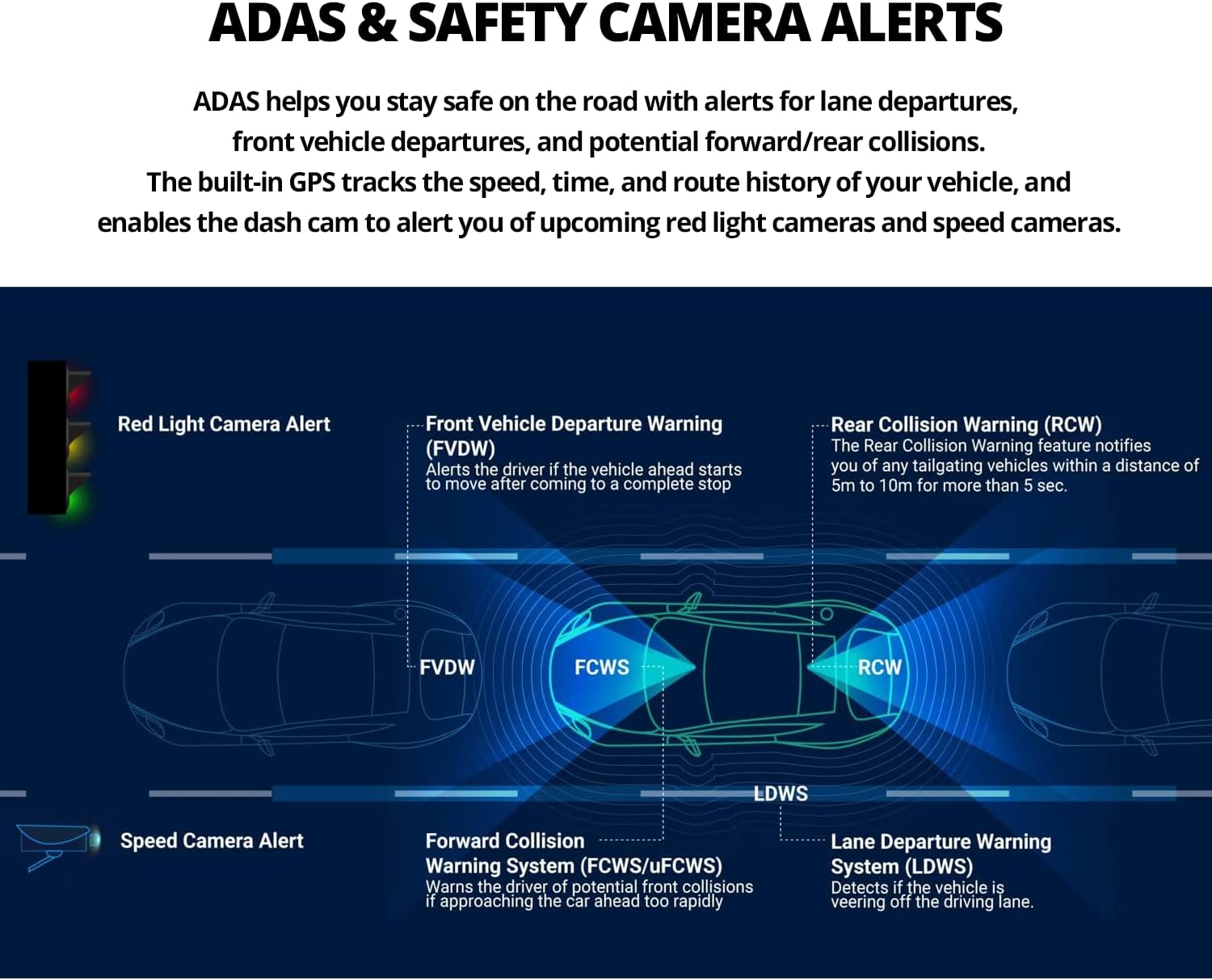
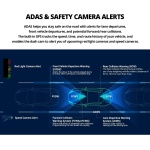
1 ADAS
2 Safety Camera Alerts
3 SD Card
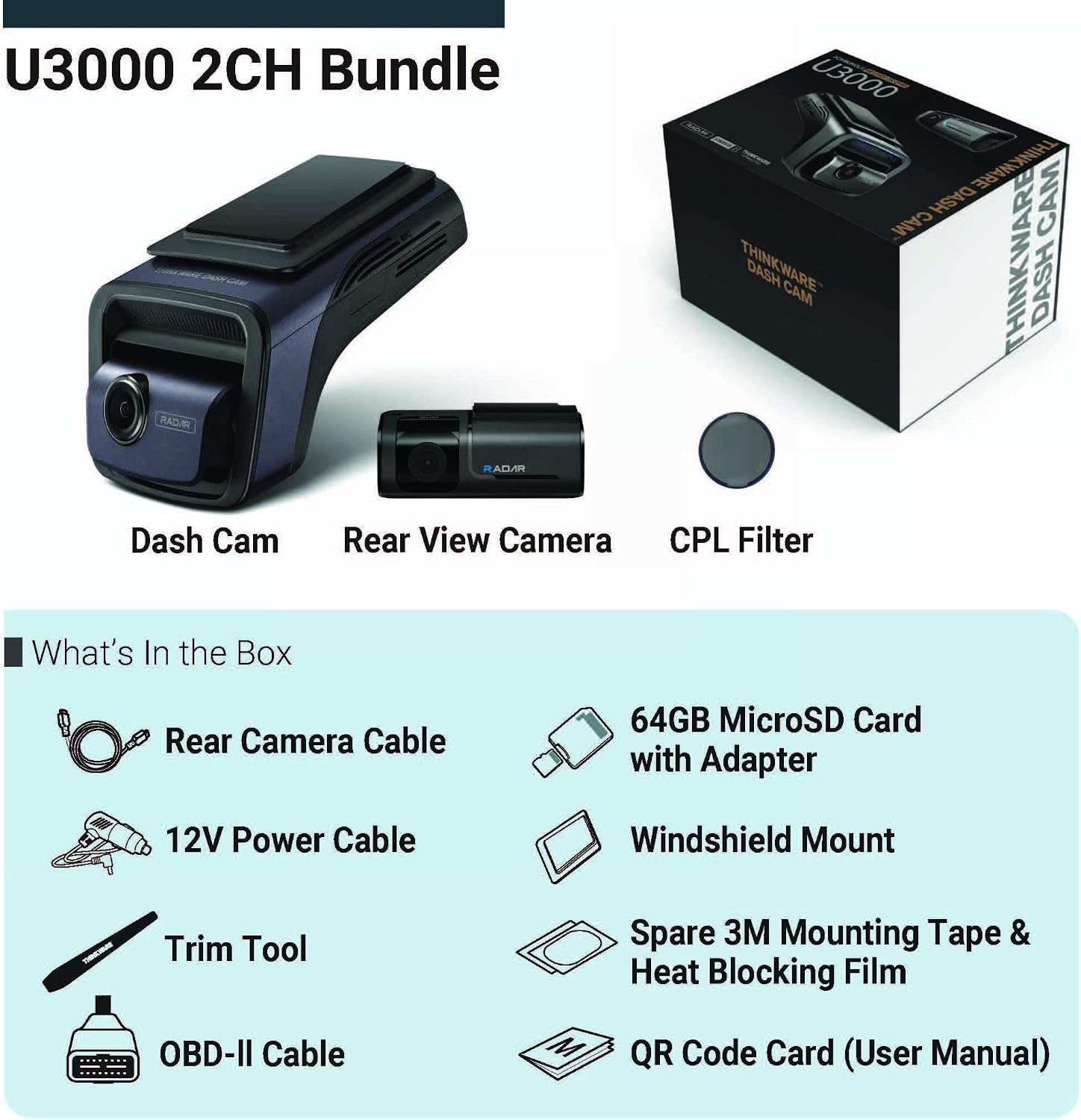
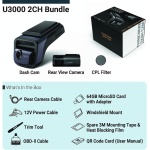
What’s in the box? 
How do I enable Parking Mode?
Power the dash cam via hardwiring, OBD-II, or iVolt battery. Connect to the app via Wi-Fi or Bluetooth, go to Dash Cam Settings > Record Settings, and select your preferred Parking Surveillance mode.
Which THINKWARE Mobile App should I use?
Download THINKWARE DASH CAM LINK app to review footage and adjust dash cam settings.To access connected features, download THINKWARE CONNECTED app. *Mobile hotspot required. Data charges may apply.
Why won’t my dash cam connect to the app?
Make sure Wi-Fi and Bluetooth is on and you’re connected to the dash cam. Disconnect Apple CarPlay or Android Auto, as they can block the connection. If issue persists, please contact our support team for help.
My THINKWARE dash cam will not power on.
Test with a 12V car charger cable. If it powers on, check your hardwiring cable, OBD-II cable, or iVolt battery. If you don’t have a 12V car charger or the dash cam doesn’t power on, contact our support team for help.
How do I reset my dash cam?
Hold the REC and MIC buttons at the same time until the device begins to beep. The dash cam will then restart, reverting to default, which will erase the microSD card and all recording footage. Be sure to save all crucial footage beforehand.
4K FRONT + 2K REAR & SUPER NIGHT VISION 4.0 W/ SONY STARVIS 2 SENSOR】The U3000 delivers improved 4K front and 2K rear recording compared to the U1000, thanks to STARVIS 2 and a more powerful Ambarella CPU. The addition of an adjustable bitrate offers the flexibility to record sharper footage. Also, the U3000 features Super Night Vision 4.0 which takes advantage of STARVIS 2’s high sensitivity and low noise technology to help the dash cam capture clearer footage in low-light conditions.
【NEW RADAR PARKING MODE WITH BUILT-IN RADAR】 Radar Parking mode is a low-powered recording mode that utilizes the U3000’s built-in radar to monitor motion with minimal power consumption (requires hardwiring or OBD-II cable; OBD included). This allows for longer parking surveillance with buffering so you have footage of events leading to an incident. When a motion or impact is detected, the U3000 will save a 20-sec video clip of the incident (10s before and after the motion or impact is detected)
【EASY ACCESS WITH THINKWARE CONNECTED APP】THINKWARE CONNECTED App provides easy access to your Thinkware Dash Cam so you can watch your vehicle live remotely, get instant impact notifications, and more, all in the same app. (Internet connection is required, carrier charges may apply)
【EASY WI-FI DEVICE PAIRING WITH THINKWARE LINK APP & BLUETOOTH】 Built-in Bluetooth allows hassle-free dash cam pairing with your compatible Android or iOS device via the Thinkware Link App. Once paired, replay your latest driving videos and manage your dash cam’s settings with the Thinkware Link App.








Reviews
Clear filtersThere are no reviews yet.